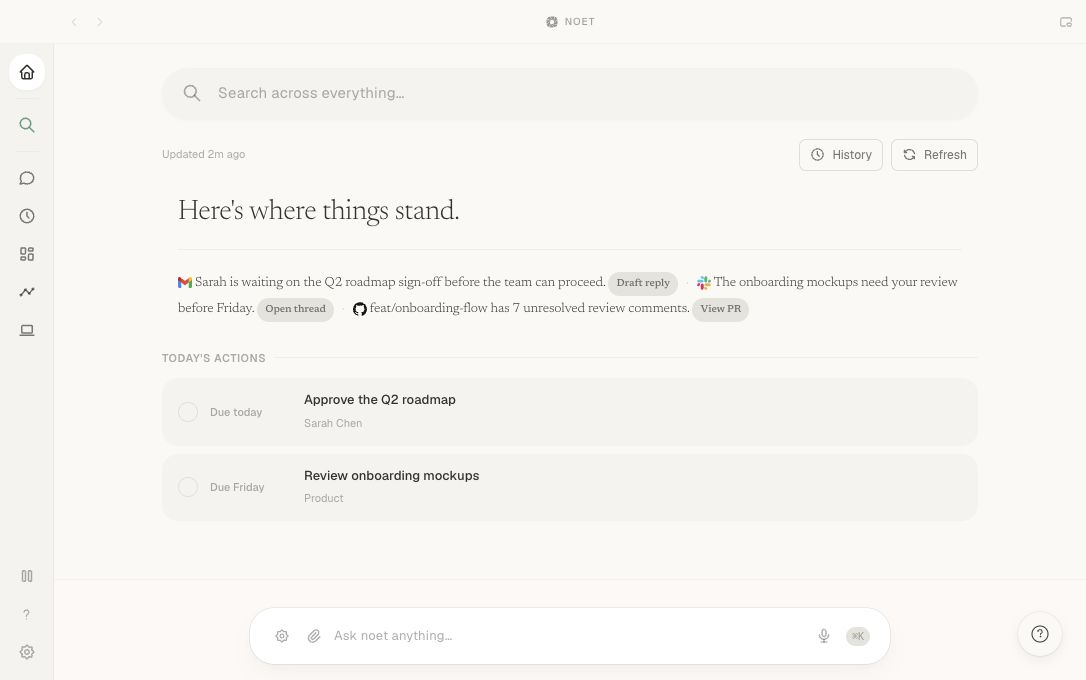
Noet brings together context from your connected tools for meeting prep, notes, transcripts, summaries and follow-ups, alongside reply drafts. Review suggested GitHub or Linear tasks before creating them. When you need more background, search or ask from one keyboard shortcut.
Review the prepared work, check its sources, and decide what happens next. Noet does the groundwork; you stay in control of what gets sent or changed.
Why use Noet alongside ChatGPT or Claude?
Noet prepares work from your connected tools before you ask, so you spend less time gathering context and starting from scratch. Review meeting prep, notes, transcripts, summaries, reply drafts and follow-ups inside Noet. Approve suggested GitHub or Linear tasks before creating them. Bringing Noet’s context to other AI tools is planned; it isn’t available today.
What is Noet for Mac?
Noet is a proactive AI assistant for Mac that prepares work from your connected tools. For meetings, prepare a brief, take notes, transcribe the call and review the summary, follow-up drafts and suggested GitHub or Linear tasks. You review what is ready and decide whether to act.
What can I ask Noet?
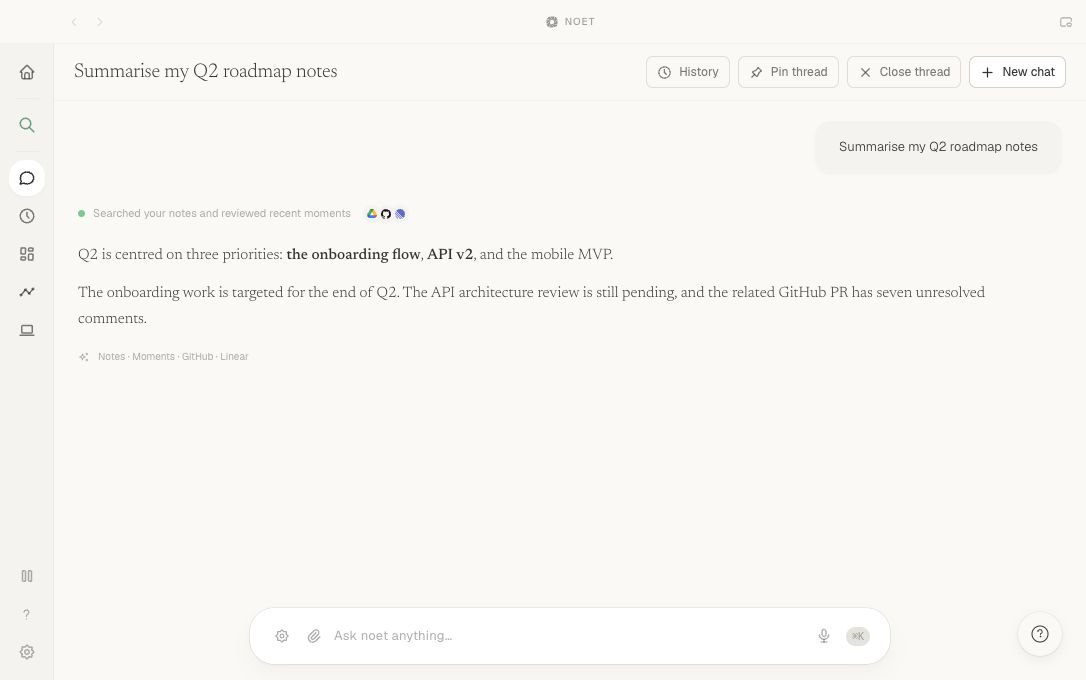
Ask for a decision from a meeting, the current state of a launch, a message from a customer, or the file where you saw a detail. Noet returns an answer with the work behind it so you can check the source.
Can I control what Noet remembers?
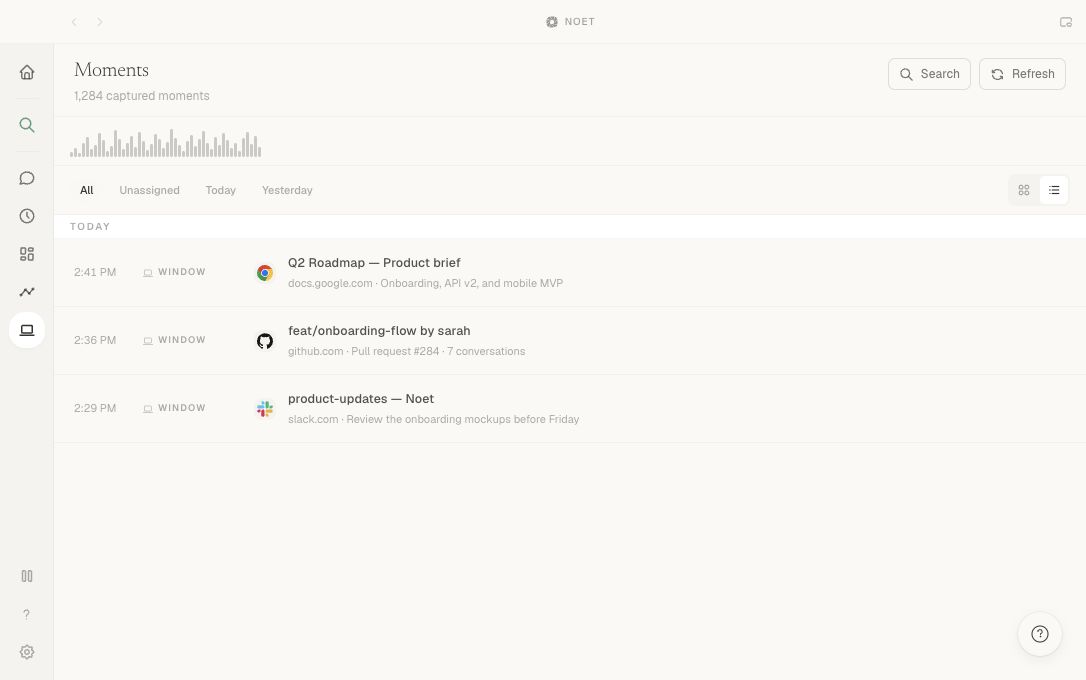
Yes. You can pause capture, exclude sensitive apps, and choose what gets synced or used for AI processing. Review our Privacy and Security pages for processing and provider details.
 Gmail
Gmail Slack
Slack GitHub
 Calendar
 Linear
 Drive
Drive