Meeting briefs
Prepare for meetings with Noet for Mac. Bring together calendar details and relevant connected work in a brief, then inspect the sources before your call.
Work prepared before you ask, with context from the tools you already use. Explore what Noet can prepare on your Mac and how to review it.
Start with the conversations and decisions that need your attention, together in Noet.
Explore prepared workIn practice
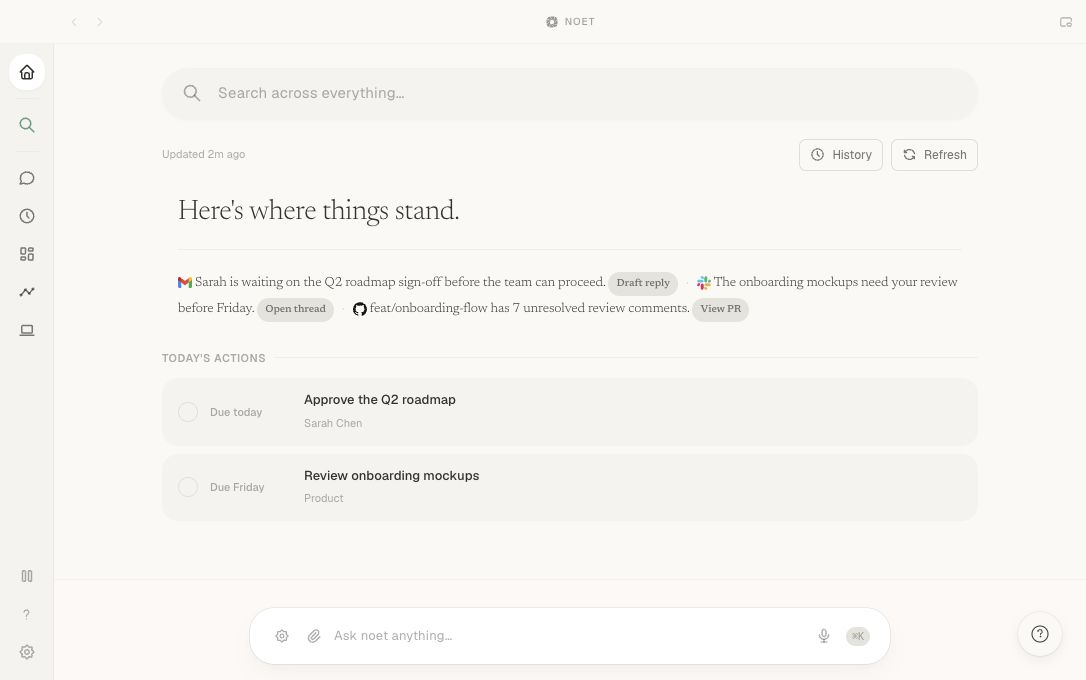
Sarah is waiting on the Q2 roadmap sign-off. The onboarding mockups need review. A pull request has unresolved comments.
Ask about your work and inspect the sources behind the answer, without gathering the context yourself.
Learn about Ask NoetIn practice
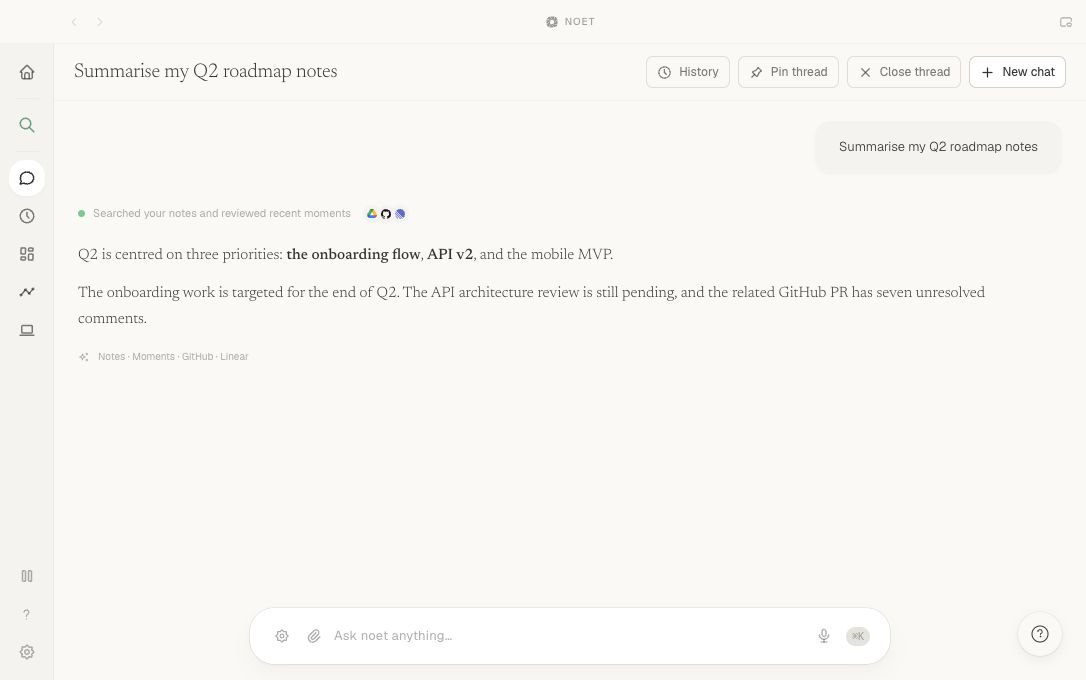
“Summarise my Q2 roadmap notes.” See the answer alongside sources from Notes, Moments, GitHub, and Linear.
Find a document, conversation, or idea from your captured screen history. You control when to capture and which apps to exclude.
Explore MomentsIn practice
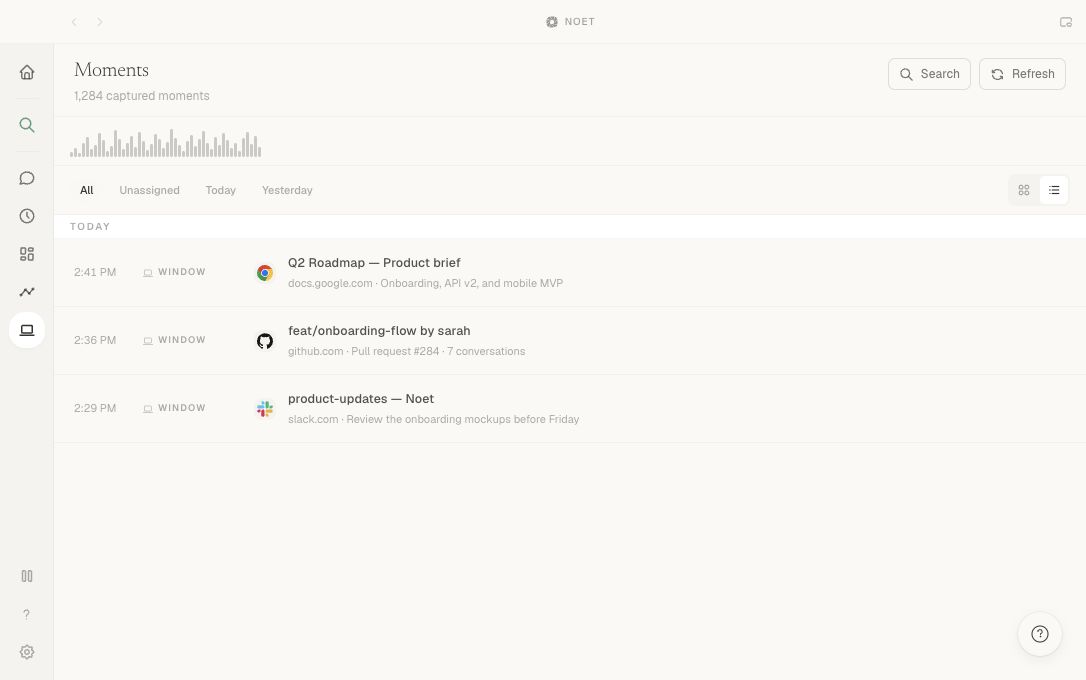
Recall the Q2 roadmap brief, the onboarding pull request, and the Slack discussion you saw earlier.
Prepare for meetings with Noet for Mac. Bring together calendar details and relevant connected work in a brief, then inspect the sources before your call.
Draft Gmail replies with Noet for Mac using the conversation behind the message. Check the source thread, edit the wording, and approve before sending.
Prepare follow-ups for dated commitments with Noet for Mac. Check the conversation for completion, review the proposed message, and decide whether to send.